
You can add your organization’s room calendars to your sidebar and increase visibility in just a few easy steps.
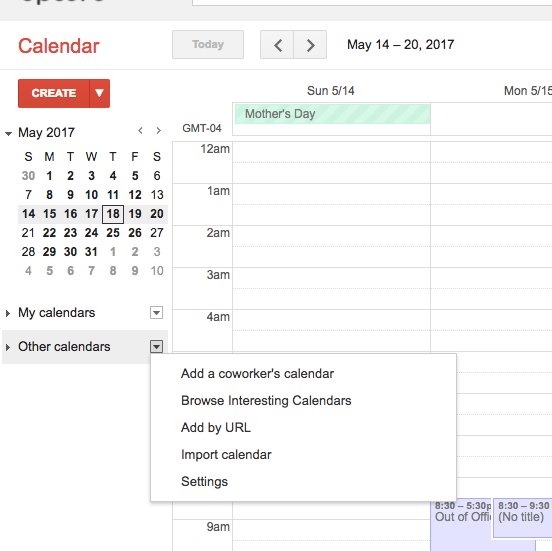
1. Under “Other Calendars”, click on “Browse Interesting Calendars”
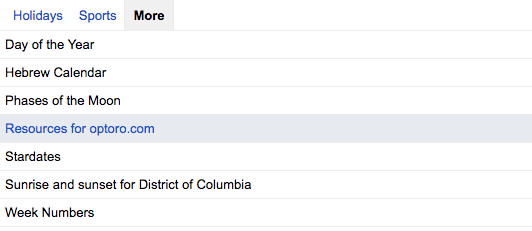
2. From the “More” tab you’ll see a link for “Resources for optoro.com”
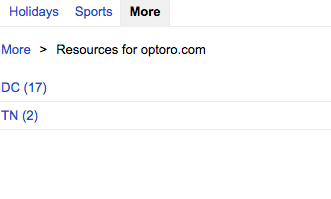
3. Find the location you need the calendar for
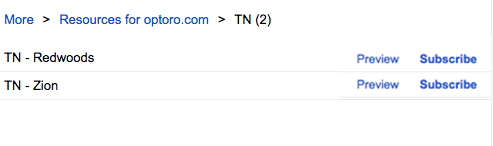
3. Click “Subscribe” for each calendar you want to see
4. The resource calendars will now show up in your sidebar.
You can now show and hide the room’s schedule just like your other shared calendars. Administrators in Google will see them under “My Calendars” and regular users will find them in “Other Calendars”.
Comments
0 comments
Please sign in to leave a comment.