
How to change MacOS user password
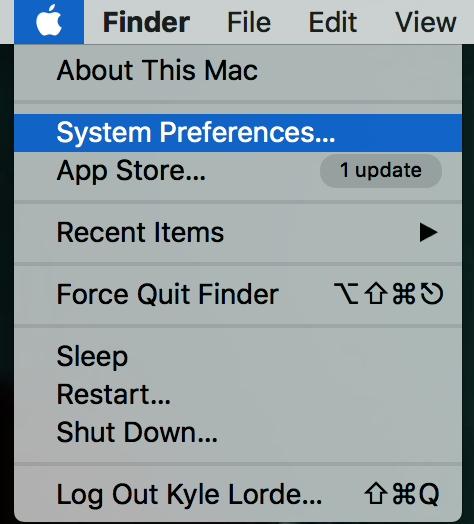
Go to apple menu and click system preferences
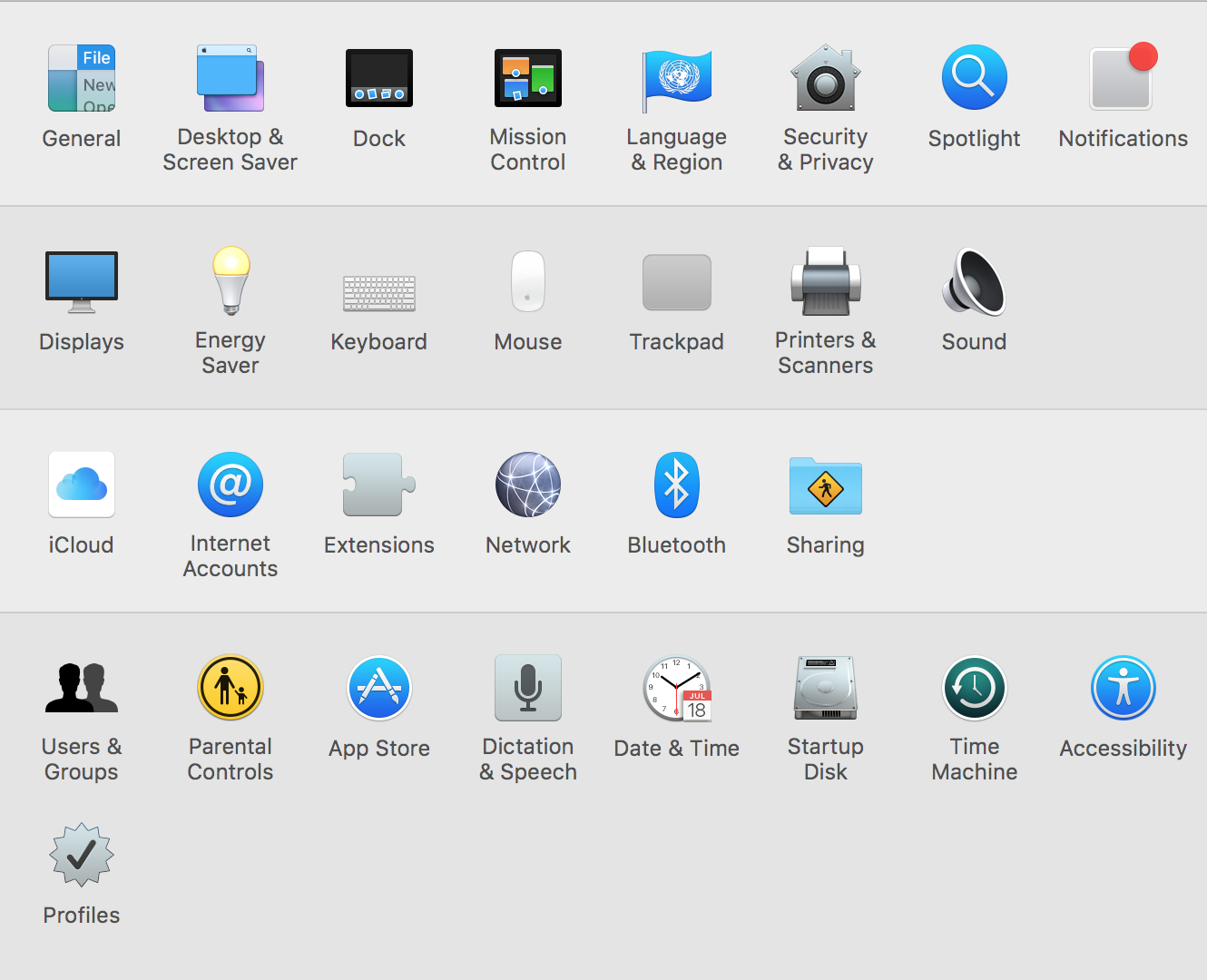
Then select Users and Groups
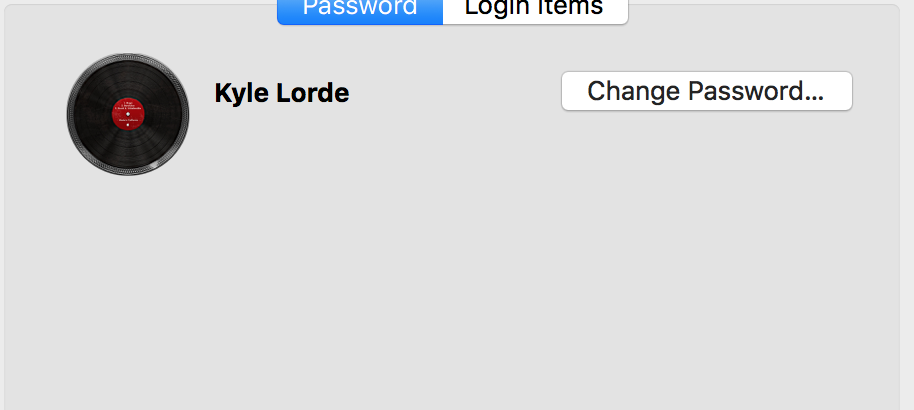
Navigate to you account name then click change password
Enter old password(i.e great!deals!) then enter New password. Re-enter the password to verify .
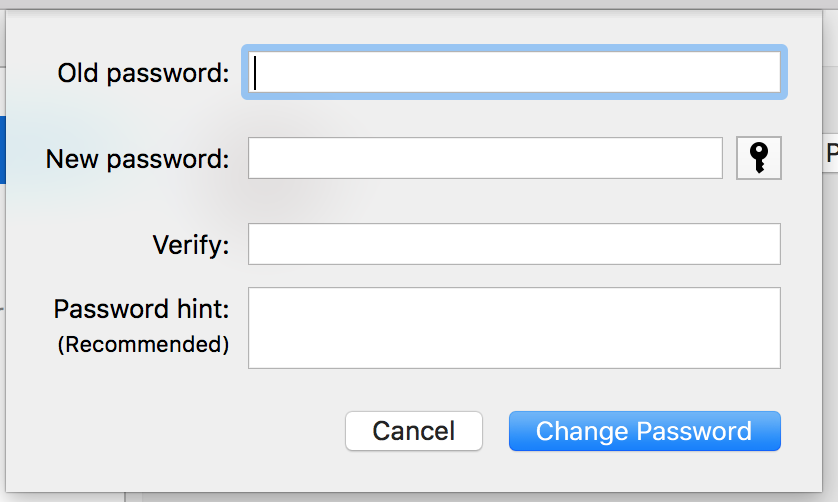
Click Change password and you're done
Comments
0 comments
Please sign in to leave a comment.