
How to change Windows 10 user password
Press the Windows key
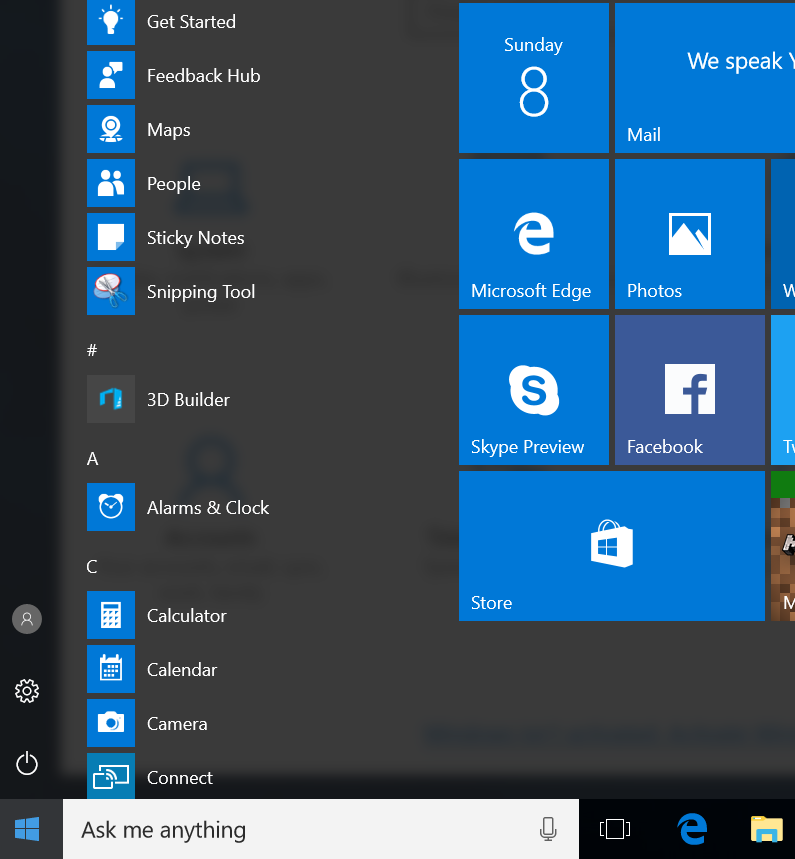
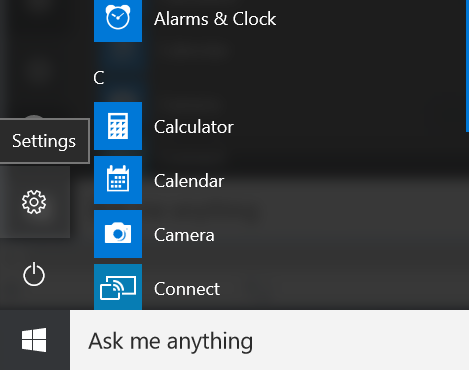
Select Settings
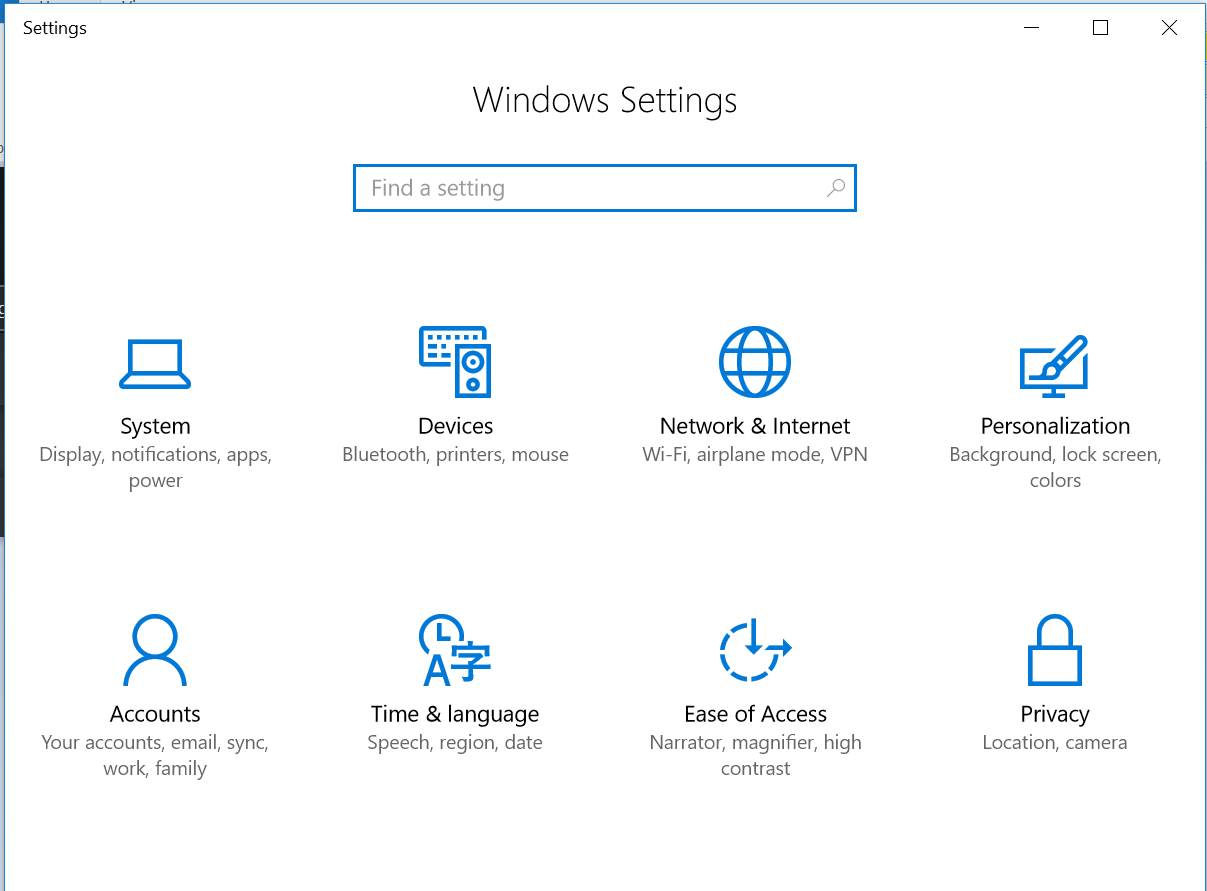
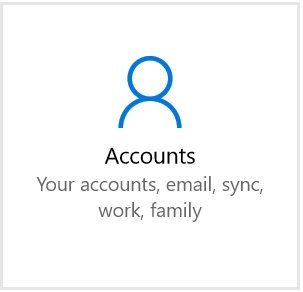
From the Window Settings pane select Accounts
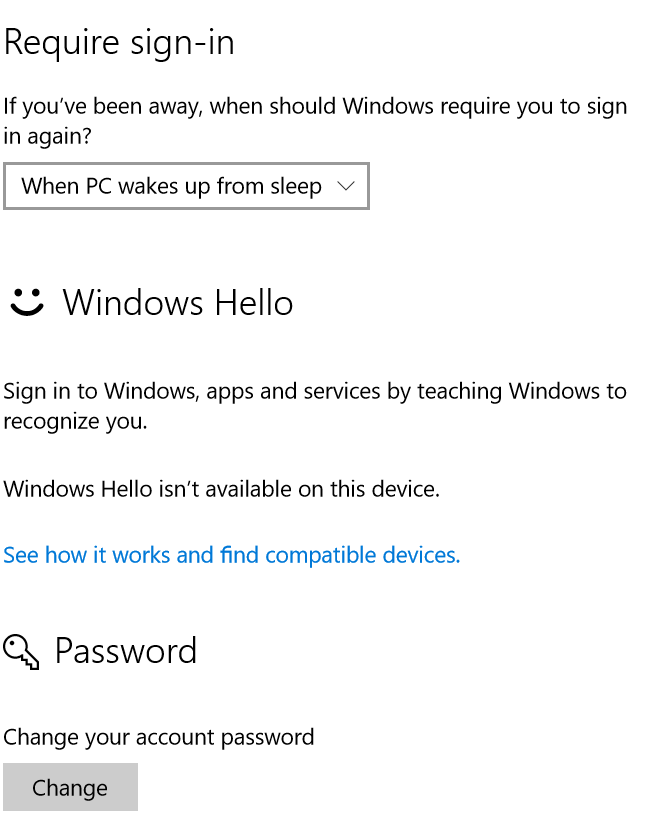
Then Sign-In Options

Click the Change button in the Password section
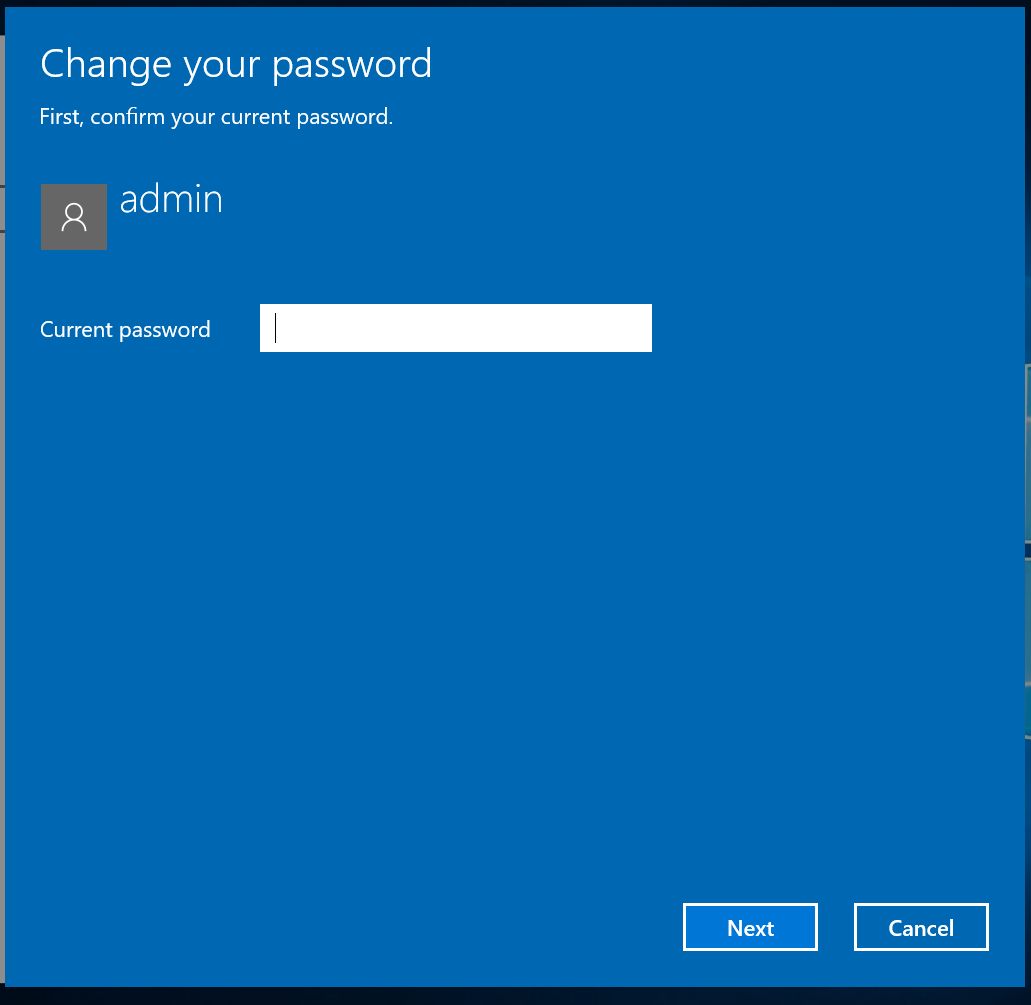
Enter your current password (i.e great!deals!)
Create new password
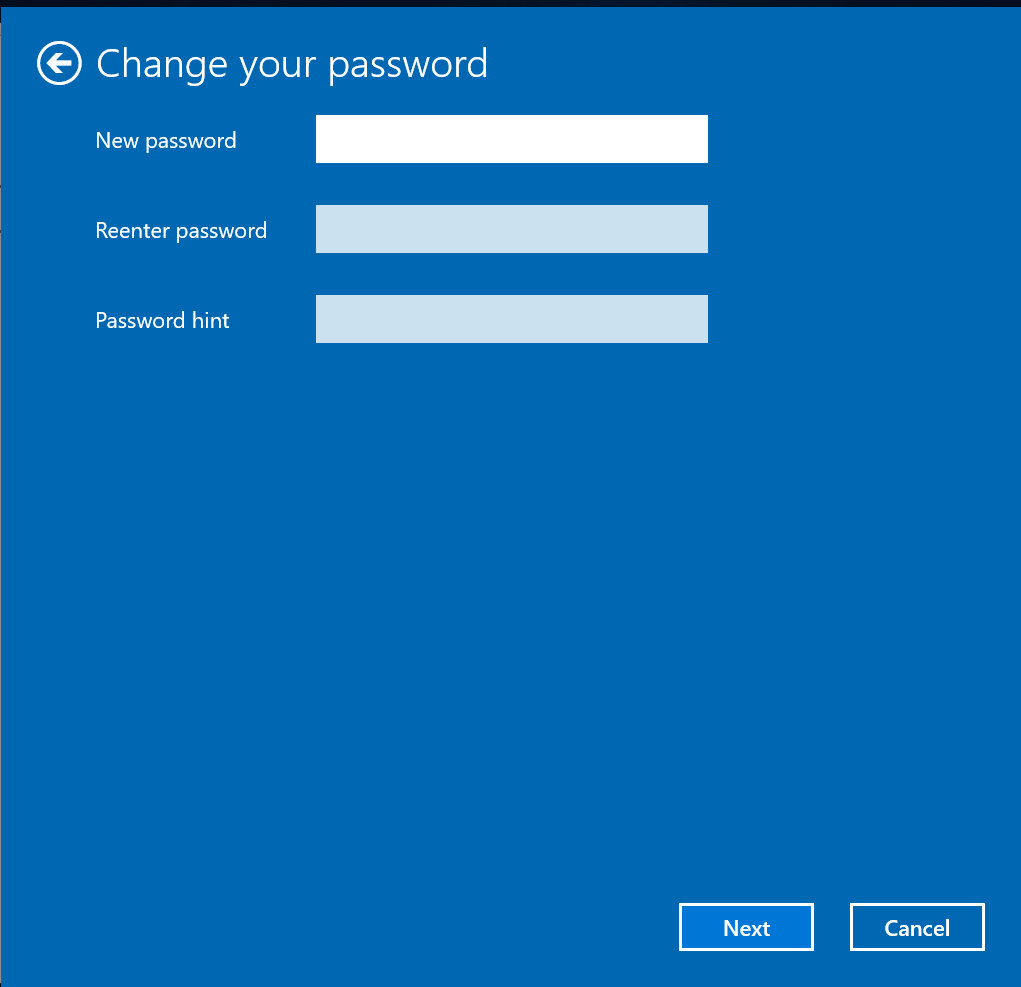
Click next to complete the process.
Now you have changed your password.
Comments
0 comments
Please sign in to leave a comment.