
Adobe account passwords CANNOT be set or re-set by Optoro IT Support. All password and user-level management must be completed by the individual account holder.
Adobe accounts are used by Optoro for:
- Adobe Creative Cloud
- Adobe Stock Photos
- Adobe Acrobat Pro DC
Your Optoro Adobe account will be your exact e-mail address:
- eg: jnicolia@optoro.com (usually first initial and last name @ optoro)
To initiate a password reset with Adobe, you must first visit:
https://accounts.adobe.com/
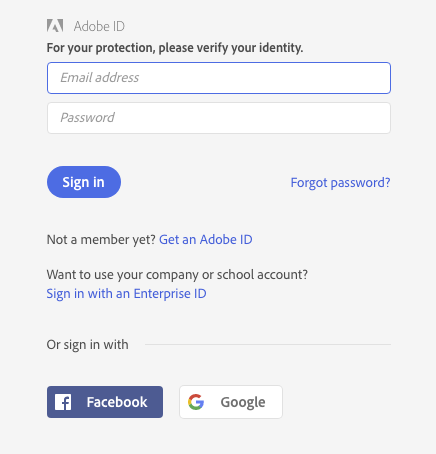
From here, you can click on "Forgot password?" and input your e-mail address:
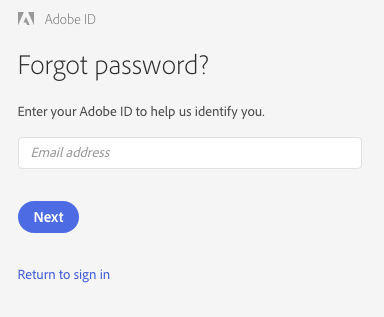
This will prompt an e-mail from Adobe. Follow the instructions included in the e-mail to finish your password reset.
Comments
0 comments
Please sign in to leave a comment.